Paying your vehicle tax in Nepal used to mean standing in serpentine queues at the Transport Management Office (Yatayat Karyalaya) for hours. Thanks to government digitization initiatives like the Nagarik App and integrated payment gateways like eSewa, Khalti, and ConnectIPS, you can calculate and pay your annual vehicle tax directly from your smartphone.
Whether you drive a two-wheeler or a car, here is a complete step-by-step guide on how to pay your vehicle tax online in Nepal.
What You Need Before Paying Vehicle Tax Online
Before sitting down to pay, make sure you have the following handy:
- Your Bluebook (सवारी दर्ता किताब): You’ll need the vehicle registration number, engine capacity (cc), lot number, and registration province/office.
- Active Nagarik App Account: Registered with a mobile number linked to your own citizenship ID.
- Third-Party Insurance (तेस्रो पक्ष बीमा): Online tax payment requires valid insurance for the current fiscal year. (You can buy third-party insurance instantly via eSewa, Khalti, or insurance portals).
- Digital Payment Option: Active account on eSewa, Khalti, or ConnectIPS with sufficient balance.
Step-by-Step Guide: Paying Vehicle Tax Online
Method 1: Using the Nagarik App (Recommended)
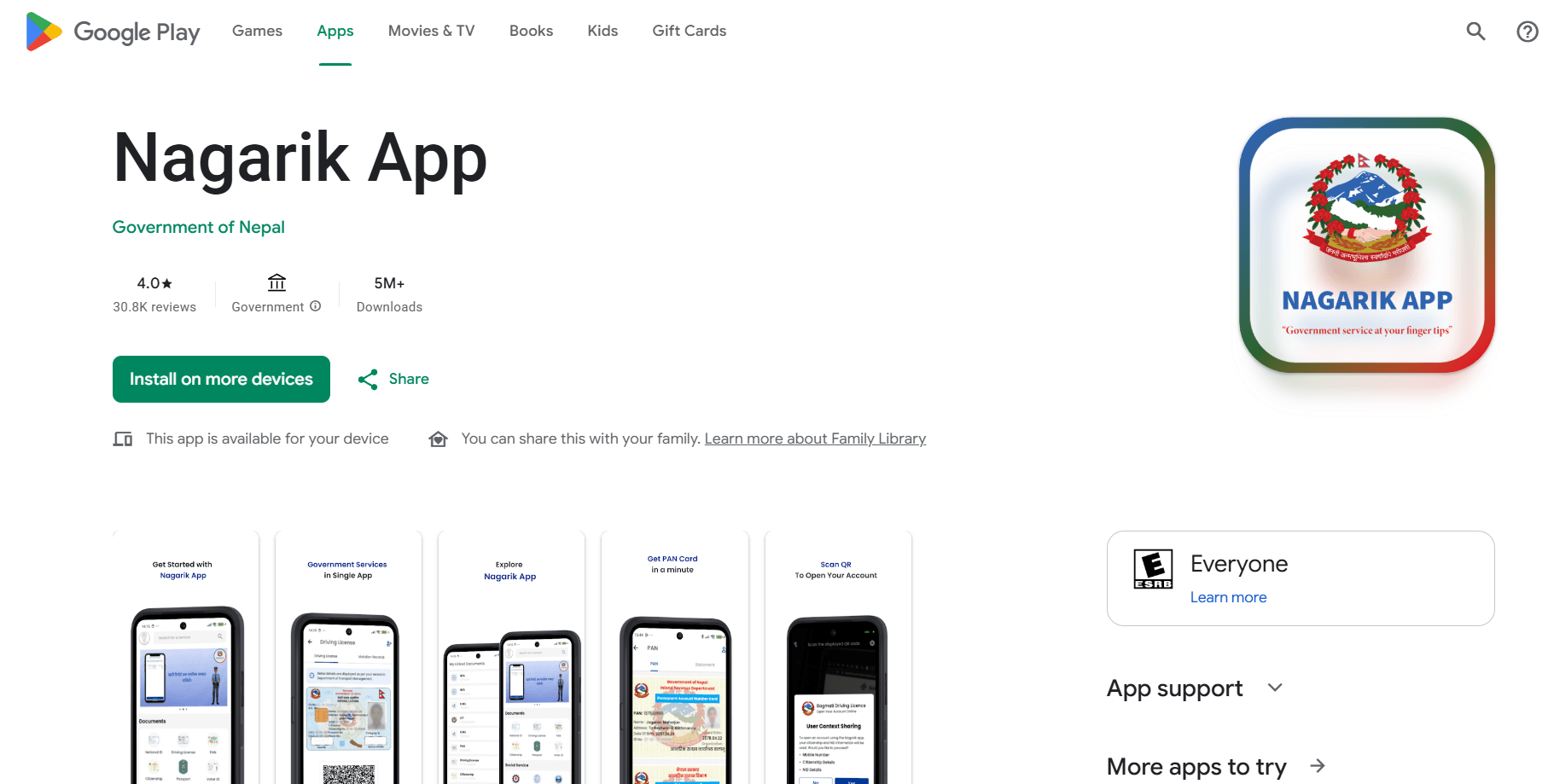
The Nagarik App directly syncs with provincial Transport Management Systems (TMIS) to auto-calculate your tax, fine penalties (if any), and insurance status.
- Link Your Vehicle in Nagarik App:2 Minutes.
- Open the Nagarik App on your phone.
- Scroll to the services section and tap Vehicle Tax (सवारी कर).
- Tap Add Vehicle and select your province (e.g., Bagmati Province) and Transport Management Office.
- Enter your vehicle type, registration lot number, and symbol (e.g., Ba 93 Pa 1234) as shown in your Bluebook.
2.Verify Tax & Penalty Calculations:1 Minute.
- Once linked, tap on your vehicle to view the Tax Details page.
- The app will fetch past payment history and calculate current tax due, road maintenance fees, and late renewal penalties (if applicable).
- Confirm that your third-party insurance details are updated/verified in the system.
3. Proceed to Payment:2 Minutes.
- Click Proceed to Pay.
- Select your preferred payment gateway: eSewa, Khalti, or ConnectIPS.
- Authenticate the payment inside your wallet app.
- Download and save the electronic tax receipt (PDF) onto your phone.
Method 2: Paying Directly via Digital Wallets (eSewa / Khalti)
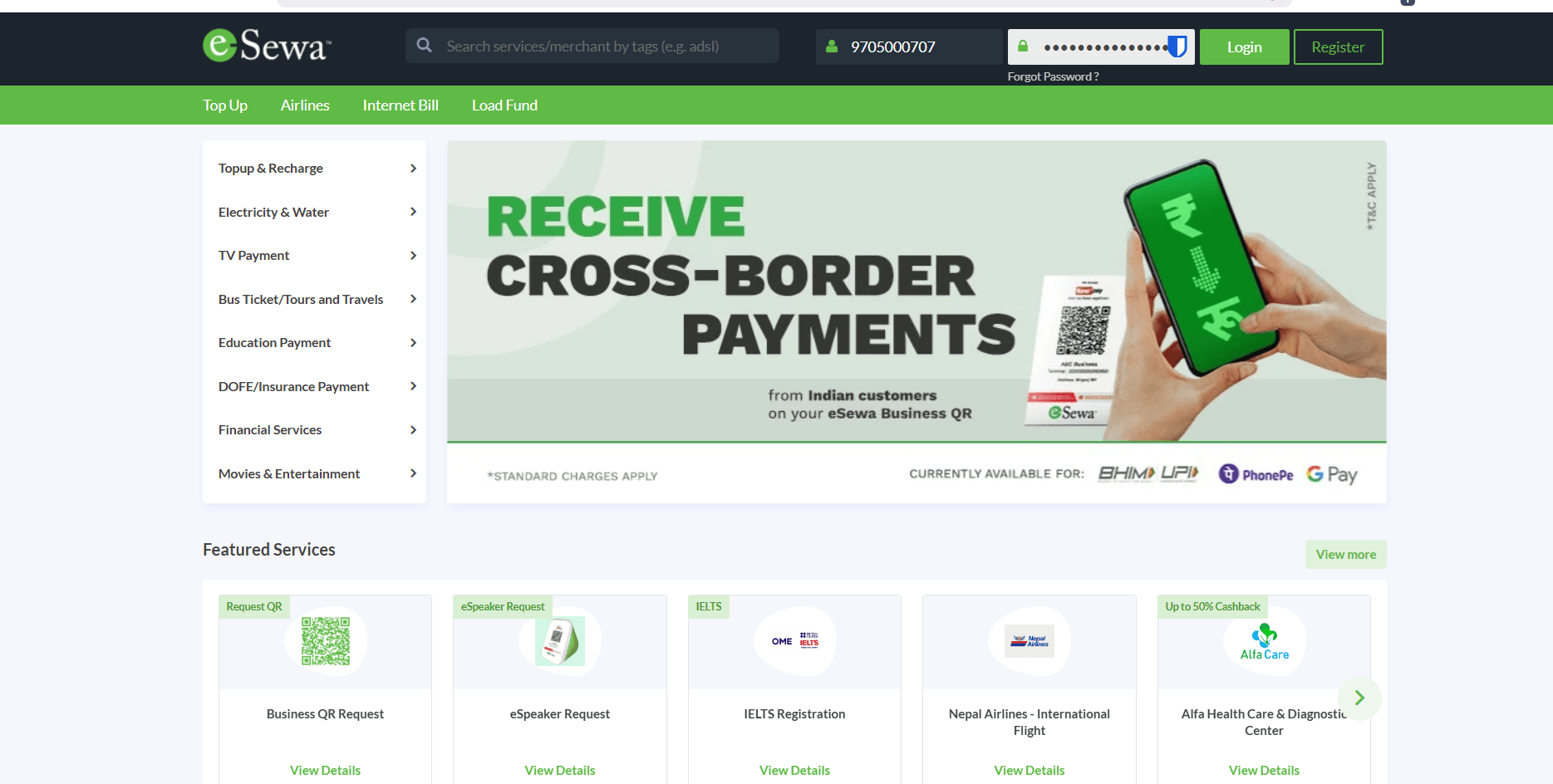
If you prefer paying directly through digital wallets without opening the Nagarik App:
- Open eSewa or Khalti.
- Tap on Government Services $\rightarrow$ Vehicle Tax / Provincial Tax.
- Select your respective province (e.g., Bagmati, Gandaki, Lumbini) and Transport Management Office.
- Enter your Bluebook details (Vehicle Registration Number and Owner’s Name).
- Review the breakdown of tax rates and penalties, then authorize the payment.
- Save the digital transaction voucher.
Summary of Tax Deadlines & Late Penalties
In Nepal, vehicle taxes must be renewed annually before the end of Ashad (mid-July). Paying late incurs progressive surcharge penalties based on delays:
| Delay Period | Penalty Charge |
| First 30 days after expiry | 5% Surcharge |
| 31 to 45 days late | 10% Surcharge |
| Up to the end of Fiscal Year | 20% Surcharge |
| Beyond 1 Year Late | Up to 32% Penalty |
Paying online clears your legal dues in the government system immediately. However, for physical traffic checks on the road, keep the digital receipt printed or on your phone. Whenever you pass near a Transport Management Office, you can get your physical Bluebook stamped without waiting in the payment lines.
Frequently Asked Questions (FAQs)
Is an online receipt legally sufficient, or do I still need a physical Bluebook stamp?
The digital payment voucher is legally valid for traffic checks and proves your tax is cleared in the government database. However, traffic police officers on the road frequently ask to see the physical Bluebook stamp during spot checks.
Best Practice: Keep the digital PDF receipt saved on your phone (or carry a printout). Next time you pass near any Transport Management Office (Yatayat Karyalaya), visit the counter to get your physical Bluebook stamped without having to re-verify or wait in the payment lines.
Why is my vehicle not showing up in the Nagarik App or digital wallet?
If the app cannot find your vehicle records, it usually stems from one of three common issues:
Mismatched Registration Office: Make sure you selected the exact province and office where your vehicle was originally registered or last transferred.
Unlinked Phone Number: Your Nagarik App mobile number must match the citizenship ID or mobile number registered in the provincial transport system.
Old / Manual Records: Vehicles registered many years ago that haven’t been digitized in the provincial Transport Management Information System (TMIS) require a one-time physical visit to the Yatayat office for manual database entry.
Do I need third-party insurance to pay vehicle tax online?
Yes. Third-party vehicle insurance (तेस्रो पक्ष बीमा) is mandatory by law in Nepal to renew your annual vehicle tax. Most digital wallets (eSewa, Khalti) and insurance portals allow you to purchase or renew third-party insurance instantly. Once issued, the insurance details automatically link to the Transport Management System within a few hours.
How are electric vehicles (EVs) taxed compared to petrol/diesel vehicles?
Electric vehicles in Nepal are taxed based on motor capacity (kilowatts/kW) rather than engine displacement (cc). To promote green energy, the government charges significantly lower annual tax rates for EVs compared to fuel-powered vehicles in equivalent categories.
Can I pay tax for a vehicle registered in a different province?
Vehicle tax rules and annual rates are determined by each specific provincial government (Finance Act). You must select the province where your vehicle is currently registered. While online systems allow cross-province digital payments, ensure you choose the correct registering office (e.g., Bagmati vs. Gandaki) during the checkout process to avoid paying into the wrong provincial treasury.